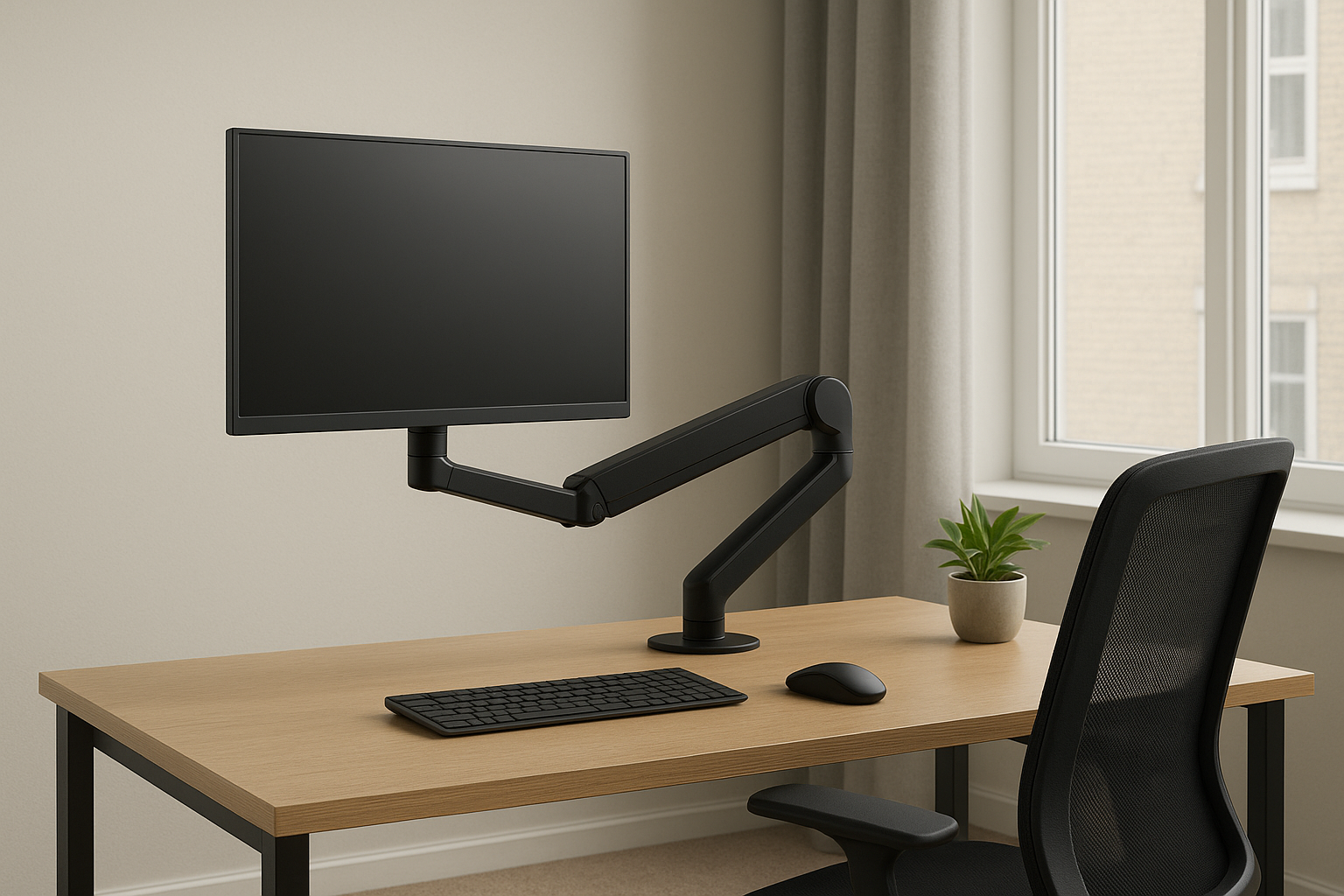
If you’re working long hours at your desk, improving your posture and workspace efficiency is a must. The best monitor arm desk mounts in 2025 not only save valuable space but also boost comfort by allowing flexible screen positioning. We’ve reviewed the top-rated ergonomic desk arm mounts that suit both single and dual monitor setups, whether you’re working from home or in a busy office environment.
What to Look For in a Monitor Arm Desk Mount
- Adjustability: Tilt, rotate, swivel, and height-adjust functions ensure optimal ergonomic alignment.
- Compatibility: Most arms fit VESA 75x75mm or 100x100mm patterns — check your monitor specs first.
- Mount Type: Choose between desk clamp mounts and grommet installations depending on your desk setup.
- Weight Capacity: Match the arm’s load rating to your monitor size, especially for ultrawide screens.
- Cable Management: Look for integrated channels to keep your desk neat and cords out of sight.
Top 5 Monitor Arm Desk Mounts to Improve Productivity (2025 UK Picks)
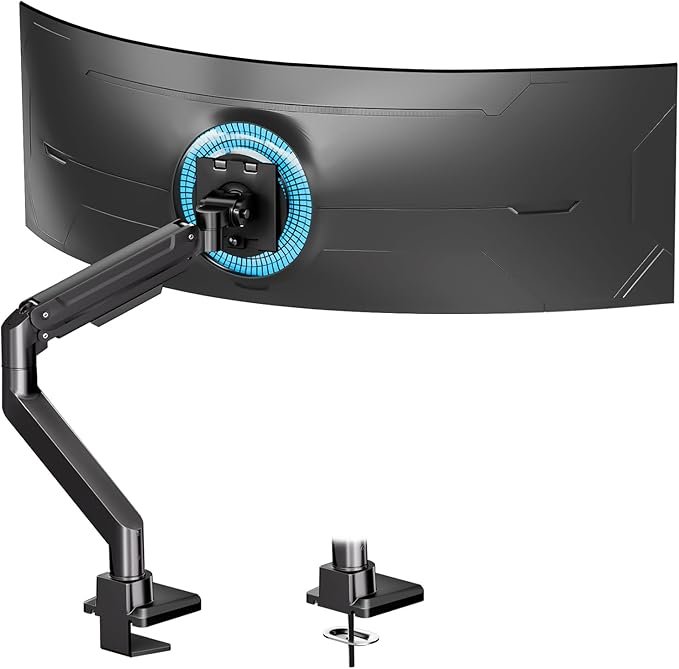
Standopia Single Monitor Arm
Why it’s great:
- Heavy-duty support: Holds 17–49 inch monitors up to 15kg with ease.
- Flexible movement: Offers full tilt, swivel, and rotation for ergonomic positioning.
- Sleek cable management: Integrated channels keep wires neat and hidden.
£88 from Amazon.co.uk
*Prices may vary
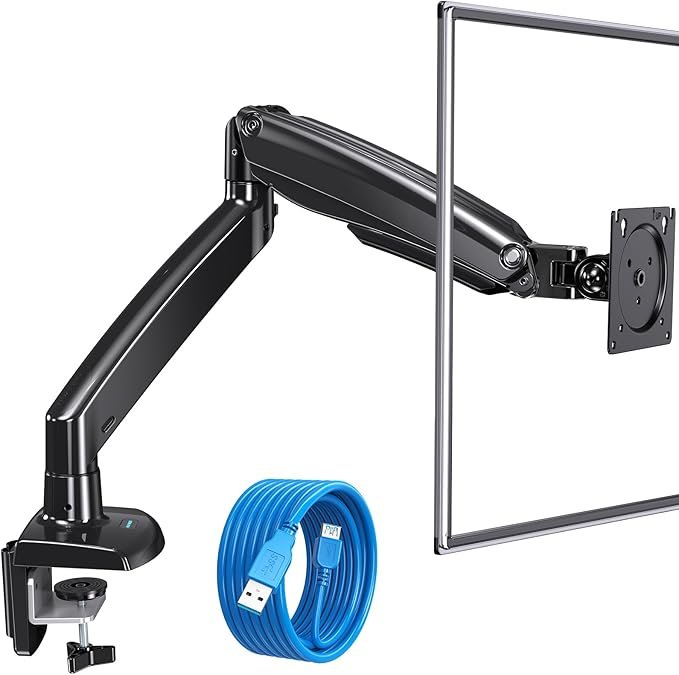
HUANUO Single Monitor Arm
Why it’s great:
- Gas spring adjustability: Smooth height adjustments up to 42cm for eye-level comfort.
- Space-saving clamp mount: Frees up valuable desk surface.
- Wide compatibility: Fits most 13–32 inch monitors up to 8kg.
£50 from Amazon.co.uk
*Prices may vary
HUANUO Heavy Duty Monitor Arm
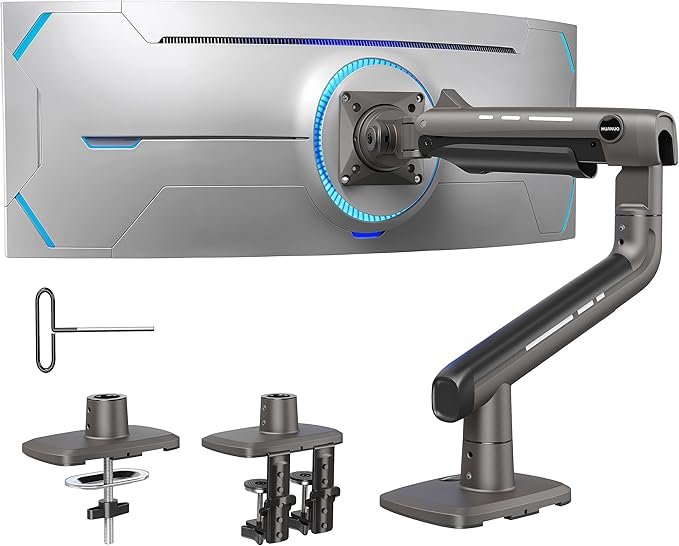
Why it’s great:
- Designed for ultrawide: Supports 22–35 inch ultrawide monitors up to 12kg.
- Ergonomic full motion: 360° rotation and 85° tilt for ideal viewing.
- Sturdy construction: Heavy-duty steel frame ensures durability and stability.
£90 from Amazon.co.uk
*Prices may vary
HUANUO Dual Monitor Arm Desk Mount
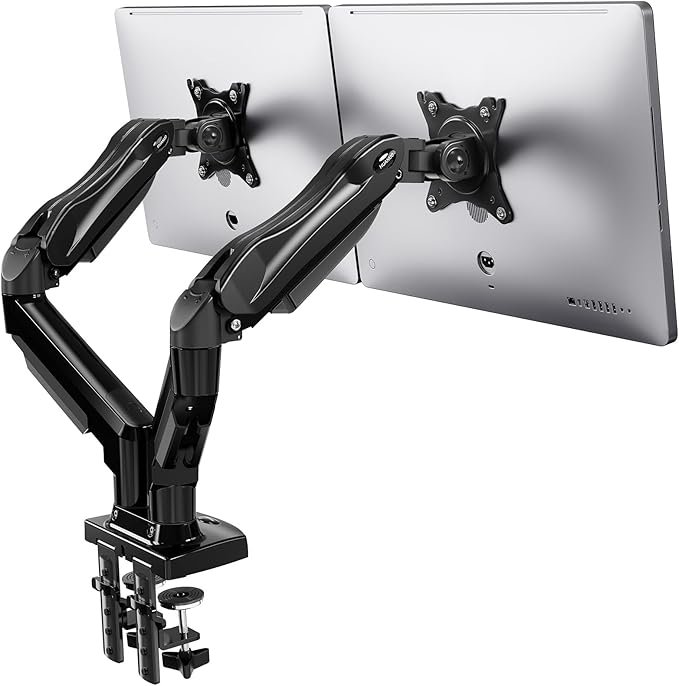
Why it’s great:
- Dual monitor flexibility: Holds two 13–27 inch screens up to 8kg each.
- 360° rotation: Switch between landscape and portrait mode instantly.
- Strong desk clamp: Easy to install on most desks without drilling.
£40 from Amazon.co.uk
*Prices may vary
Invision Dual Monitor Arm Desk Mount
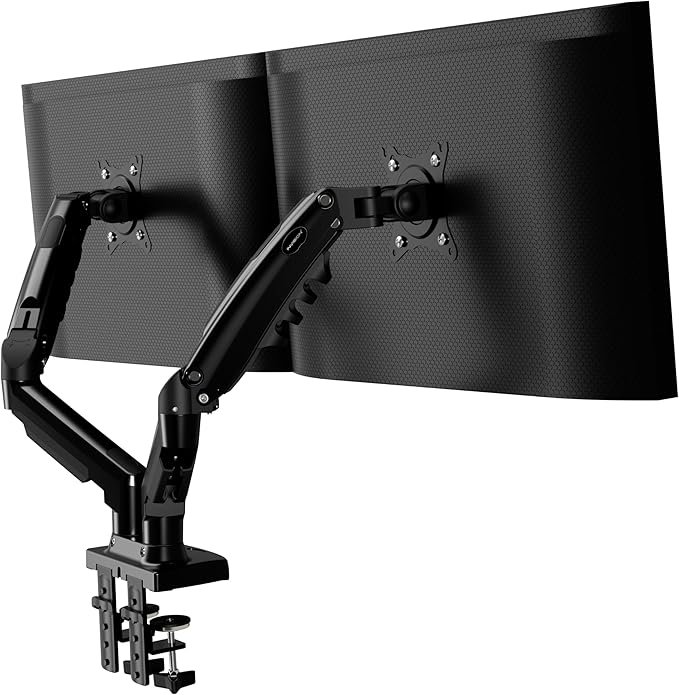
Why it’s great:
- Trusted UK brand: Popular dual-arm choice designed for home offices.
- Gas spring adjustability: Allows effortless screen repositioning.
- Strong build quality: Each arm holds monitors up to 9kg securely.
£41 from Amazon.co.uk
*Prices may vary
Key Considerations for Setup & Usage
- Check desk thickness:
Ensure your desk is strong enough for clamp or grommet mounting (typically 1–8cm). - Balance monitor weight:
Adjust gas spring tension to match the monitor’s weight for smooth movement. - Cable routing:
Use the built-in cable management channels to reduce clutter and improve airflow. - Adjust ergonomics:
Set the monitor at eye level with the top third of the screen slightly below your gaze. - Test stability:
After installation, check for wobble and tighten connections as needed for safety.
Frequently Asked Questions
- Are monitor arms worth it?
Yes — they free up desk space, improve ergonomics, and reduce neck/eye strain, especially for long work hours. - Do monitor arms fit all desks?
Most arms use a clamp or grommet system that works with standard desks. Glass desks may need extra reinforcement. - Can I use a monitor arm with an ultrawide?
Yes, but check weight and size limits — heavy-duty arms are best for 34–49 inch ultrawides. - How difficult is installation?
Most mounts are DIY-friendly with included tools. Setup usually takes 10–20 minutes. - Will it damage my desk?
A properly installed clamp or grommet should not cause damage. Use protective pads if concerned.
Related Posts
- Best Work From Home Desks for Small Spaces
- Best Laptop Stands to Improve Posture & Productivity
- Best Monitor Stand Risers for a Home Office
Disclosure: This site contains affiliate links. We may earn a commission if you click through and make a purchase, at no additional cost to you.