
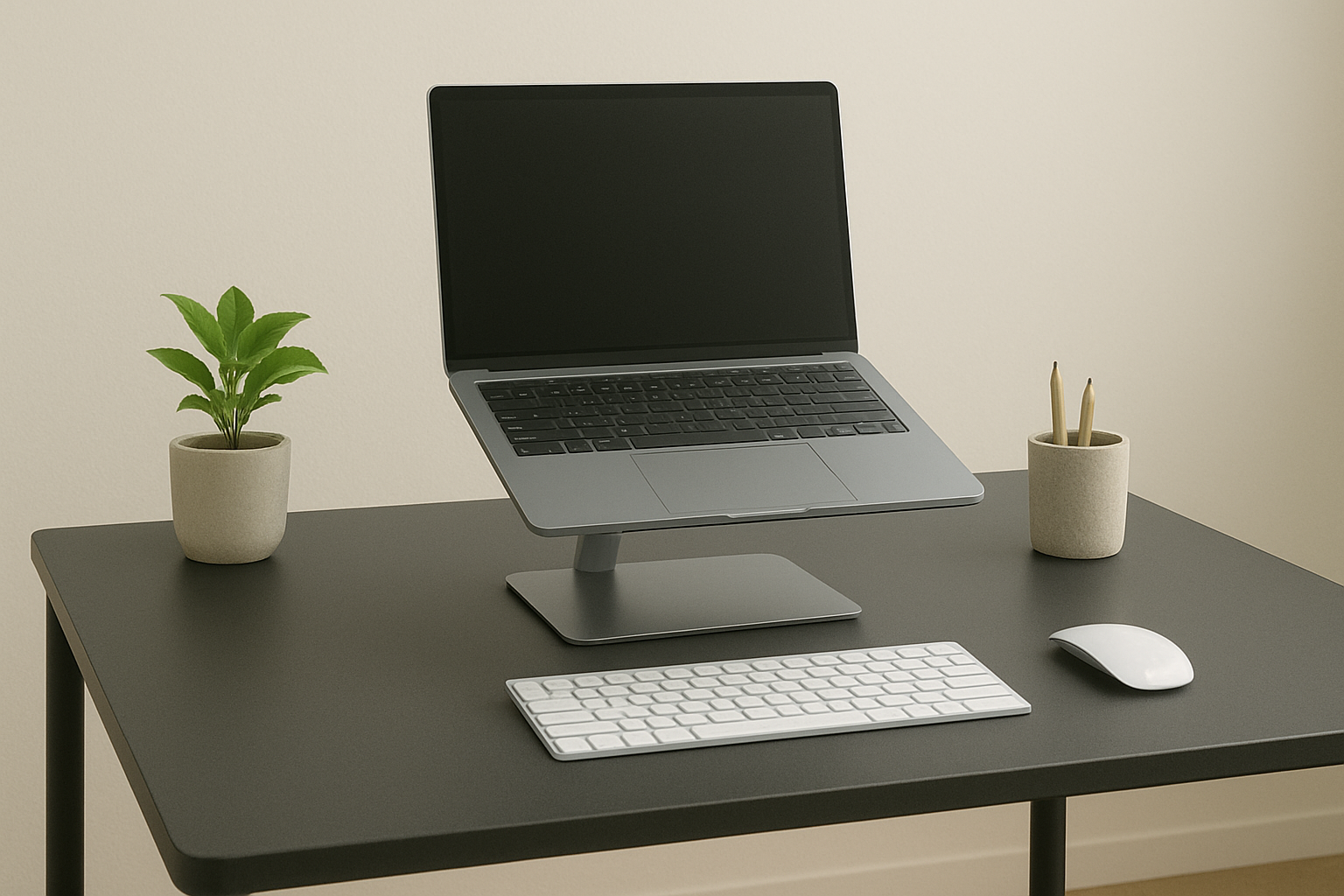
Whether you’re working from home, in the office, or studying remotely, a quality laptop stand can transform your workstation. In 2025, the demand for ergonomic desk setups is higher than ever. We’ve curated a list of the best 5 best laptop stands to help you boost posture, reduce neck strain, and increase productivity.
What to Look for in a Laptop Stand for Desk Use
- Ergonomics: Ensure it lifts your screen to eye level for better posture.
- Adjustability: Choose a stand with tilt or height options if possible.
- Build Quality: Aluminium or solid plastic designs last longer and feel sturdier.
- Portability: Consider foldable designs if you move between locations.
- Ventilation: Open or mesh backs help your laptop stay cool during use.
Choosing the right laptop stand not only improves posture but also enhances productivity and keeps your device cooler. Whether you want something minimal, adjustable, or ultra-portable, there’s an option above for every workspace in 2025.
Top 5 Laptop stands to Improve Posture & Productivity (2025 UK Picks)
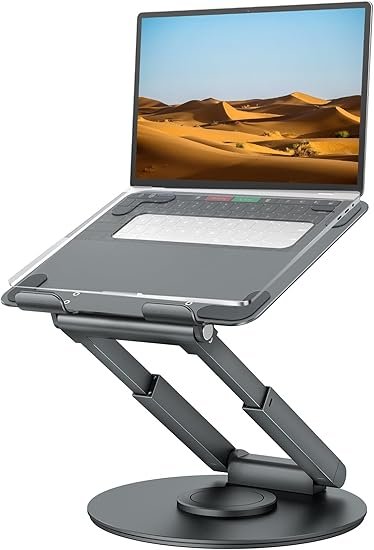
Tounee Telescopic Laptop Stand for Desk
Why it’s great:
- Full sit-to-stand support: Retractable handle adjusts height from low to high to ease muscle strain
- Promotes better posture: Designed to reduce neck and back pain for healthier working positions
- Sturdy build: Robust aluminium construction with swiveling base enhances usability.
£43 from Amazon.co.uk
*Prices may vary
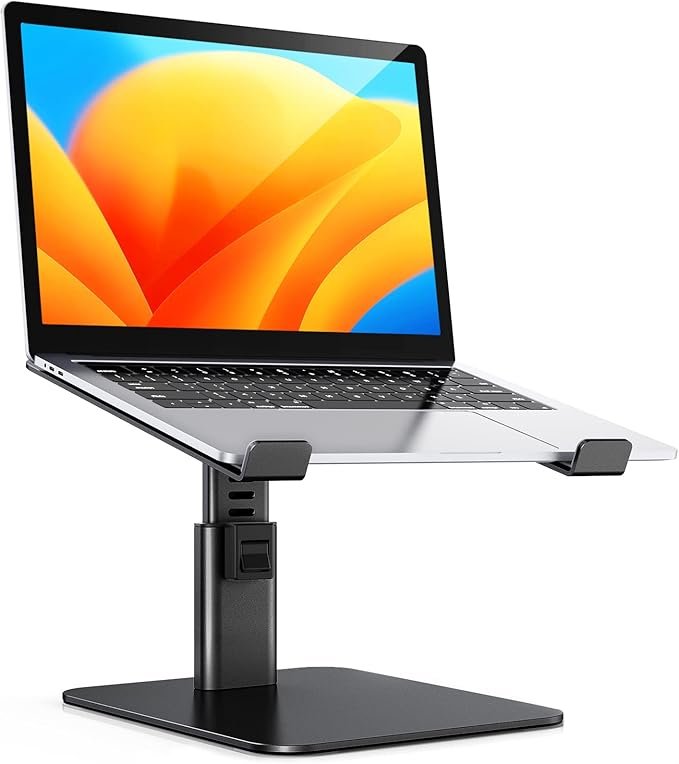
Babacom 8-Level Adjustable Laptop Stand
Why it’s great:
- Eight height settings: Offers granular adjustment for precise eye-level alignment
- Heat-vent design: Helps reduce overheating by improving airflow.
- Universally compatible: Works with most 10–16″ laptops.
£24 from Amazon.co.uk
*Prices may vary
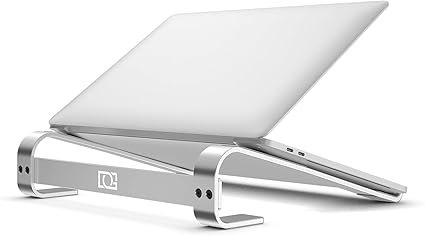
OneCut Laptop Stand
Why it’s great:
- Ergonomic riser: Helps improve posture and reduce neck strain
- Sturdy construction: Stable design suitable for various laptop sizes.
- Simple angle adjustments: User-friendly and practical.
£9 from Amazon.co.uk
*Prices may vary
NEXSTAND K2 Laptop Stand
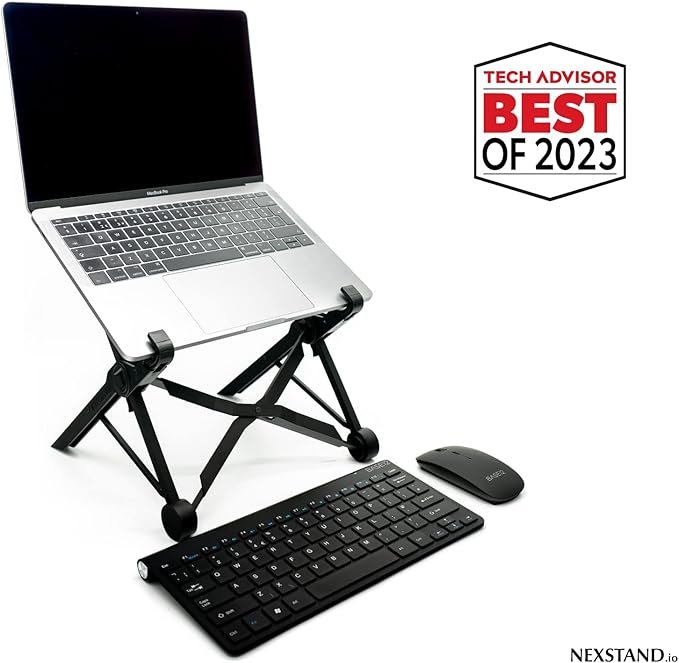
Why it’s great:
- Portable & foldable: Lightweight design perfect for travel or remote work.
- Height-adjustable: Lifts to ergonomic eye-level positions for improved posture..
- Robust Strength: Capability to hold up to 9kg.
£25 from Amazon.co.uk
*Prices may vary
BENFEI Laptop Stand
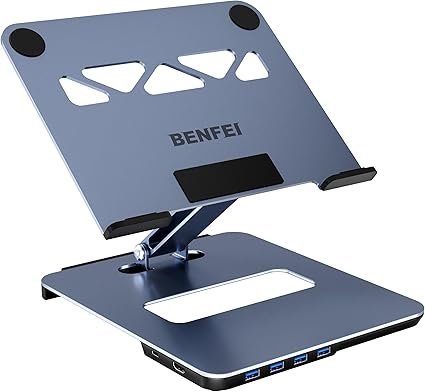
Why it’s great:
- Ergonomic adjustability: Easily adjusts from 68 mm to 178 mm in height to align your screen at a comfortable viewing level, aiding proper posture and reducing neck strain
- Stable and durable build: Constructed with aluminum alloy and anti-skid silicone pads to ensure both sturdiness and protection for your device
- Integrated docking convenience: Includes a 6-in-1 with 1 x USB-C hub, 1 x HDMI 4K @ 60 Hz, 4 USB-A ports
£34 from Amazon.co.uk
*Prices may vary
Choosing and Using a Laptop Stand Effectively (UK Edition)
- Set Screen at Eye Level
The top of your laptop screen should sit just below eye level to reduce neck strain. An adjustable stand makes this much easier. - Pair with a Keyboard & Mouse
For the best posture, always use your laptop stand with an external keyboard and mouse. This keeps your wrists neutral and shoulders relaxed. - Pick the Right Material
Aluminium stands are sturdy, durable, and dissipate heat well, while lightweight plastic stands are easier to carry for travel. Choose based on your needs. - Check Weight Capacity
Make sure your stand supports your laptop size and weight. Most aluminium risers handle up to 20–22 lbs, but ultra-thin travel stands may support less. - Stay Mobile
Even with the perfect setup, posture relies on movement. Get up every 30–60 minutes to stretch and reset your spine and shoulders.
Frequently Asked Questions
- Are laptop stands good for posture?
Yes. A quality laptop stand raises your screen to eye level, which helps reduce neck, shoulder, and back strain when working long hours. - Do laptop stands improve productivity?
They can. By positioning your screen at the right height and angle, a stand makes typing and viewing more comfortable, allowing you to stay focused for longer periods. - What type of laptop stand is best for home offices?
For home setups, adjustable or telescopic laptop stands are best since they allow you to fine-tune height and angle. Aluminium alloy stands are often the most stable and durable. - Can I use a laptop stand with an external keyboard and mouse?
Absolutely. In fact, pairing a laptop stand with a separate keyboard and mouse is the most ergonomic setup, especially for desk-based work. - Are portable laptop stands sturdy enough?
Yes. While lightweight, most foldable or portable laptop stands are designed with reinforced joints and can securely support standard laptops (usually up to 17 inches or 22 lbs).
Related Posts
- Best Work From Home Desks for Small Spaces
- Best Ergonomic Office Chairs for Lower Back Support
- Best Monitor Stand Risers for a Home Office
Disclosure: This site contains affiliate links. We may earn a commission if you click through and make a purchase, at no additional cost to you.