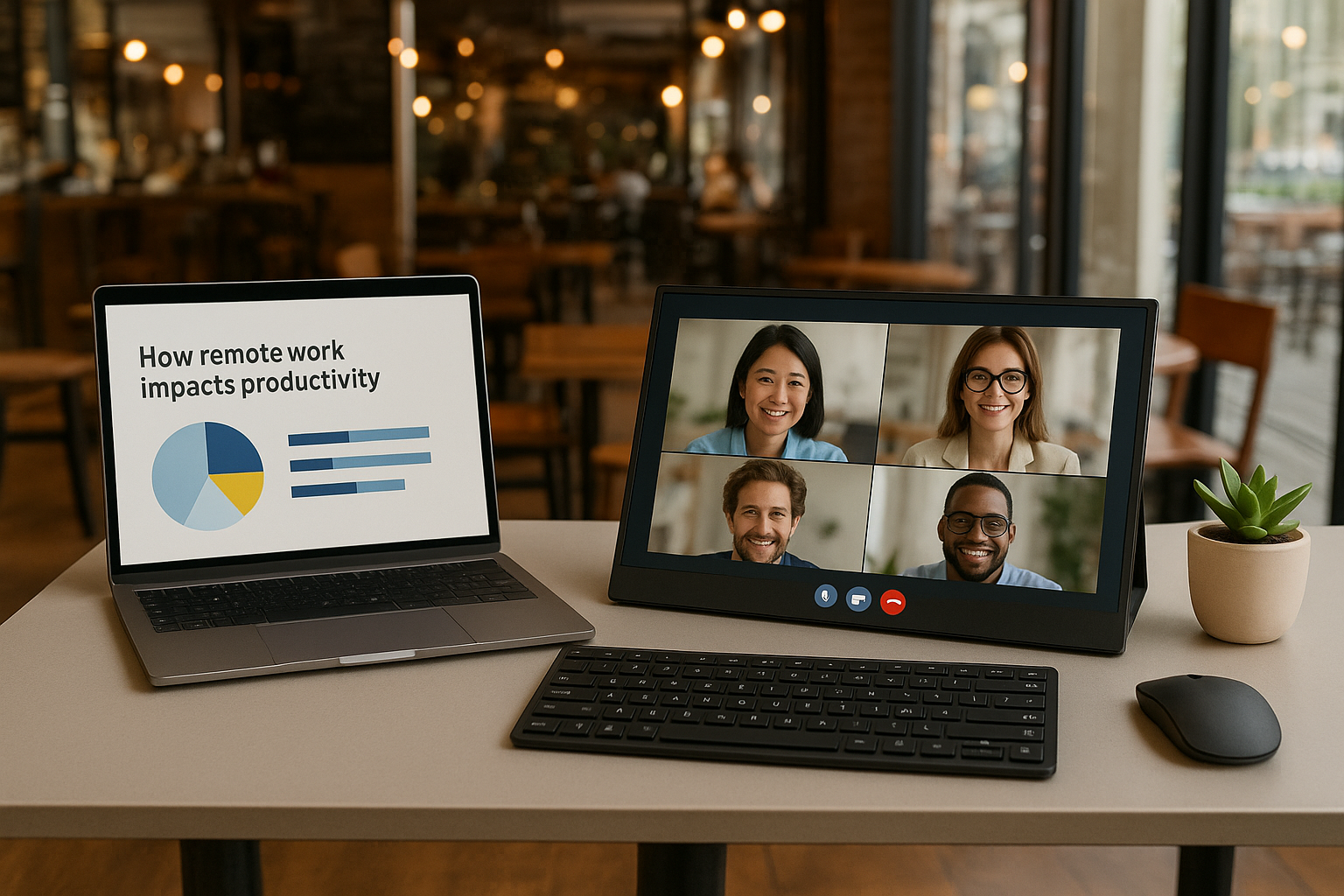
Working remotely often means juggling laptops, small screens, and limited desk space. That’s where a portable monitor for remote work comes in. Whether you’re in a co-working hub, a hotel room, or your kitchen table, these lightweight second screens make multitasking effortless. In this guide, we’ll cover the best portable monitors for remote workers in 2025, highlighting travel-friendly designs, productivity features, and budget-friendly picks.
What to Look For in a Portable Monitor for Remote Work
- Portability: Choose a slim, lightweight design that fits easily into your laptop bag.
- Connectivity: Look for USB-C or HDMI options to ensure compatibility with laptops, tablets, and even smartphones.
- Display Quality: Full HD (1080p) is a must for productivity, while higher resolution options benefit designers and creatives.
- Power Options: Monitors that support power delivery through a single USB-C cable reduce clutter and reliance on external adapters.
- Durability: Sturdy builds with protective covers or stands help when you’re constantly on the move.
Best Portable Monitors for Remote Work (2025 UK Picks)
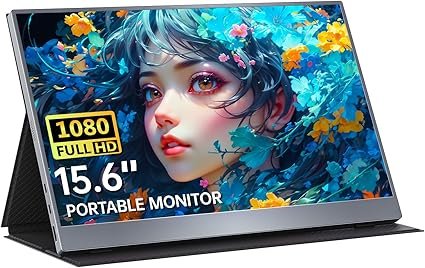
Upperizon Portable Monitor 15.6 Inch
Why it’s great:
- Ultra-slim build: Just 0.3 inches thick, making it easy to carry with your laptop.
- Full HD resolution: Sharp 1080p display for work, streaming, or coding.
- Plug-and-play USB-C: No drivers needed, perfect for quick setups on the go.
£105 from Amazon.co.uk
*Prices may vary
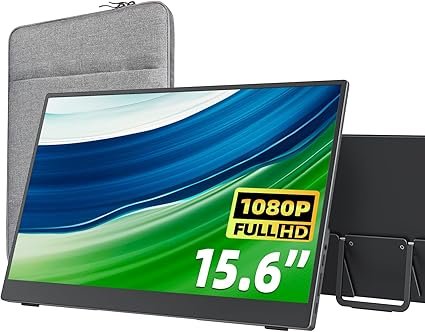
Cocopar Ocopar Portable Monitor 15.6 Inch
Why it’s great:
- Upgraded kickstand: Built-in stand allows flexible viewing angles without extra accessories.
- Wide compatibility: Works with laptops, PS5, Switch, and smartphones.
- Excellent colour reproduction: IPS panel with vivid visuals for presentations and media.
£110 from Amazon.co.uk
*Prices may vary
Newsoul Portable Monitor 15.6 inch
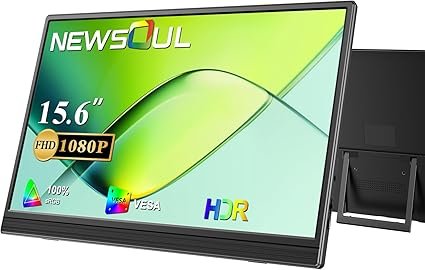
Why it’s great:
- Budget-friendly: Excellent value under £100 without sacrificing key features.
- Dual speakers: Built-in sound for video calls and entertainment.
- Kickstand case: Foldable case doubles as a protective cover.
£80 from Amazon.co.uk
*Prices may vary
kksmart Portable Monitor 15.6 inch
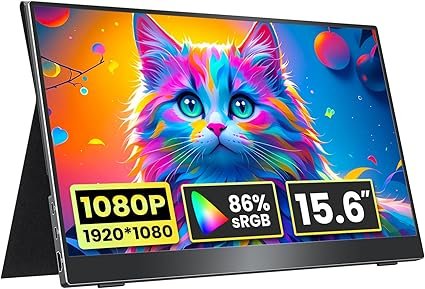
Why it’s great:
- VESA mountable: Supports fixed setups at home or in co-working spaces.
- Eye-care technology: Blue-light filter for comfortable long sessions.
- Premium metal body: Sleek and durable build adds to its professional look.
£102 from Amazon.co.uk
*Prices may vary
COOLHOOD Portable Monitor 15.6 inch
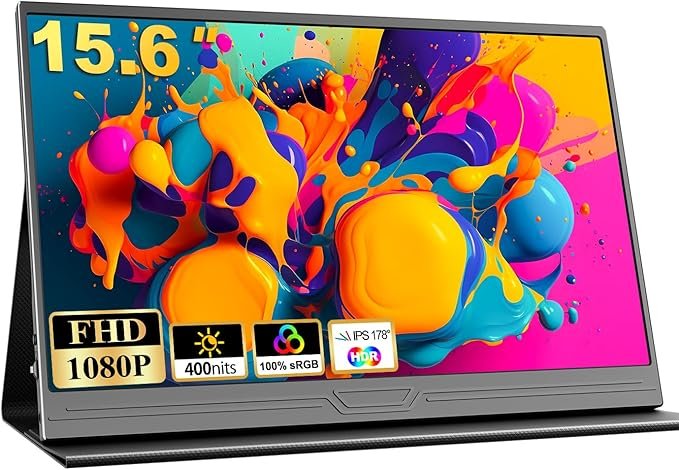
Why it’s great:
- Budget pick: One of the most affordable portable monitors for travel.
- Multiple inputs: Includes HDMI and USB-C for wide device support.
- Ultra-lightweight: Just over 700g, perfect for daily commuting or flying.
£60 from Amazon.co.uk
*Prices may vary
Tips for Using a Portable Monitor in Remote Work
- Check compatibility:
Ensure your laptop or tablet supports USB-C DisplayPort or has an HDMI output. - Use a protective case:
Protect your screen when travelling to prevent scratches or cracks. - Optimise your setup:
Position your monitor at eye level to avoid neck strain during long work hours. - Power management:
If your laptop battery drains quickly, consider using a power bank that supports USB-C PD. - Leverage dual screens:
Extend your desktop for multitasking—emails on one screen, spreadsheets or design work on the other.
Frequently Asked Questions
- Are portable monitors worth it for remote work?
Yes. They improve productivity by giving you extra screen real estate, helping with multitasking, and making remote setups feel like an office. - Do portable monitors work with all laptops?
Most modern laptops with USB-C or HDMI ports are compatible. Check your device’s specifications before buying. - Can I use a portable monitor with my phone or tablet?
Yes, many portable screens support smartphones and tablets via USB-C, ideal for presentations or streaming. - Do they need a separate power source?
Many models run directly from your laptop’s USB-C port. Some may need additional power when brightness is high or when using HDMI. - Are portable monitors good for travel?
Absolutely. They are lightweight, slim, and designed to fit in laptop bags, making them perfect for digital nomads and business travellers.
Related Posts
- Best Work From Home Desks for Small Spaces
- Best Laptop Stands to Improve Posture & Productivity
- Best Ergonomic Office Chairs for Lower Back Support
Disclosure: This site contains affiliate links. We may earn a commission if you click through and make a purchase, at no additional cost to you.